Automate Your
Shipping Labels
Trusted by 500+ sellers
Powerful Workflow
Four simple steps to transform your shipping label process. Built for speed, designed for simplicity.
Source Scan
Scans your emails and folders for shipping labels
Edit
Resizes chosen labels to standard 100×150mm format
Customize
Add metadata like article numbers, dates, or custom notes to each label.
Print all prepared labels at once with our intelligent print queue system.
Everything You Need
Powerful features that work seamlessly together






Scan your Orders
Scans your emails (via IMAP) and folders for shipping labels.




Intelligent Label Detection
Recognizes DHL, Hermes, DPD, GLS, and UPS automatically.
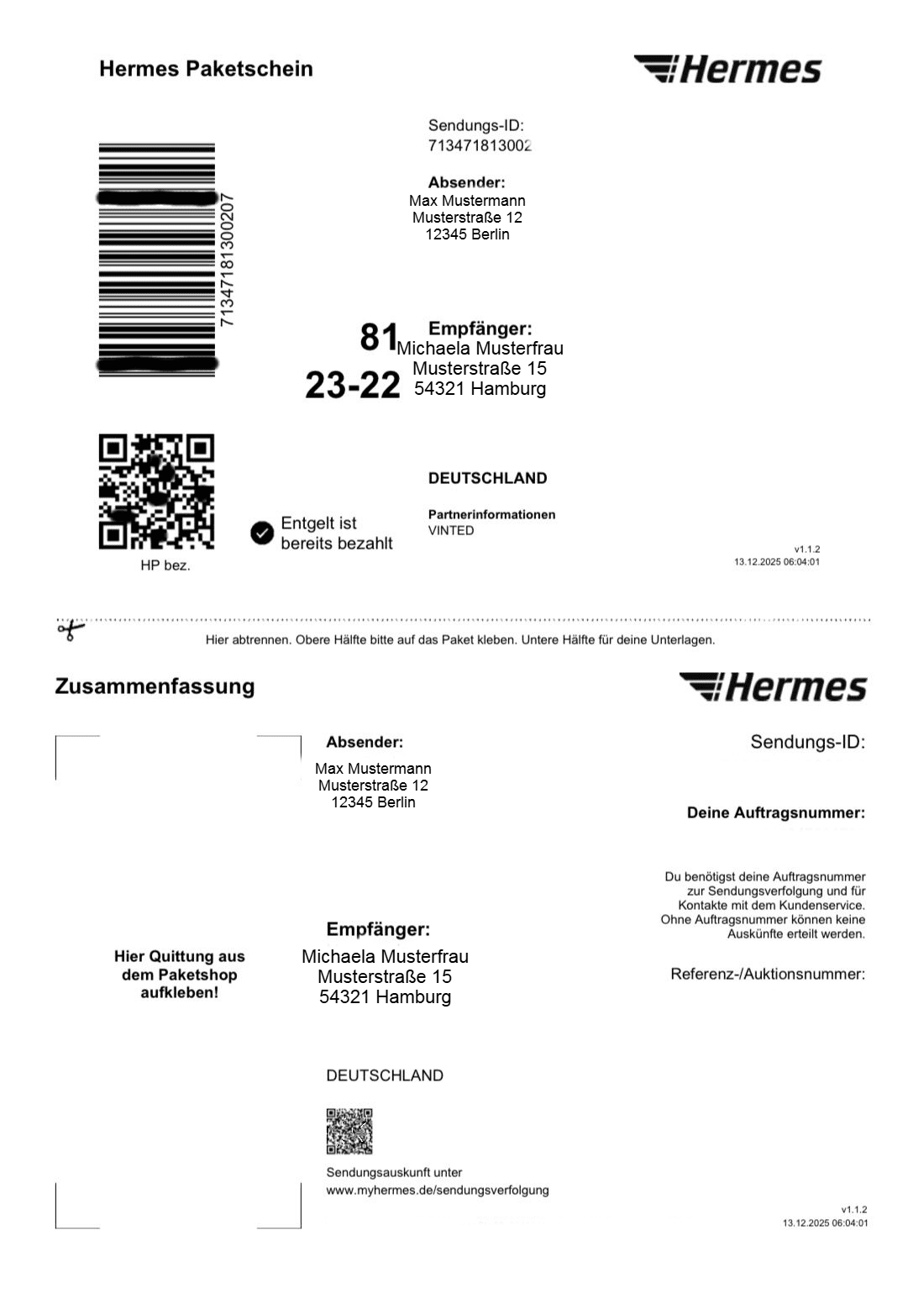
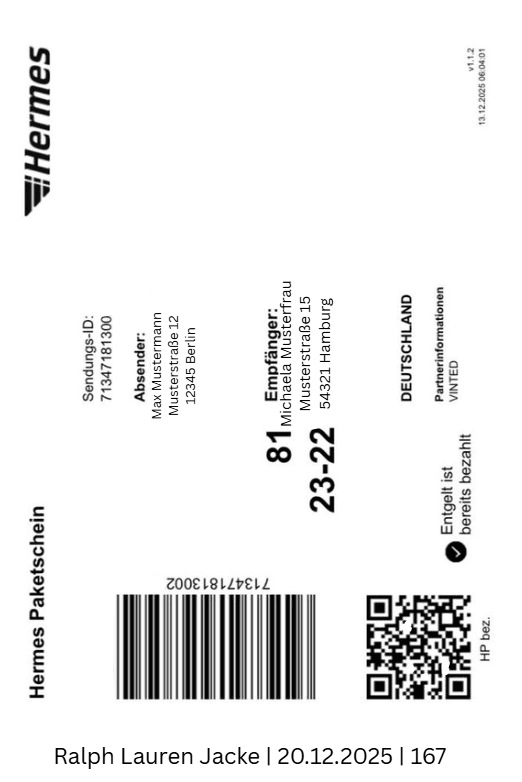
Automatic Editing
Transforms any label format to perfect 100×150mm standard automatically.
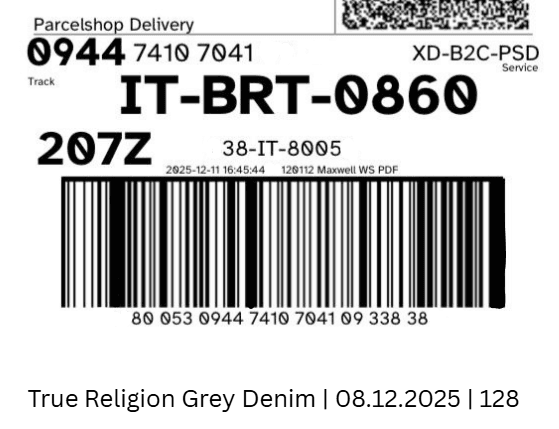
Add Information
Customize a section of your labels to stay organized.
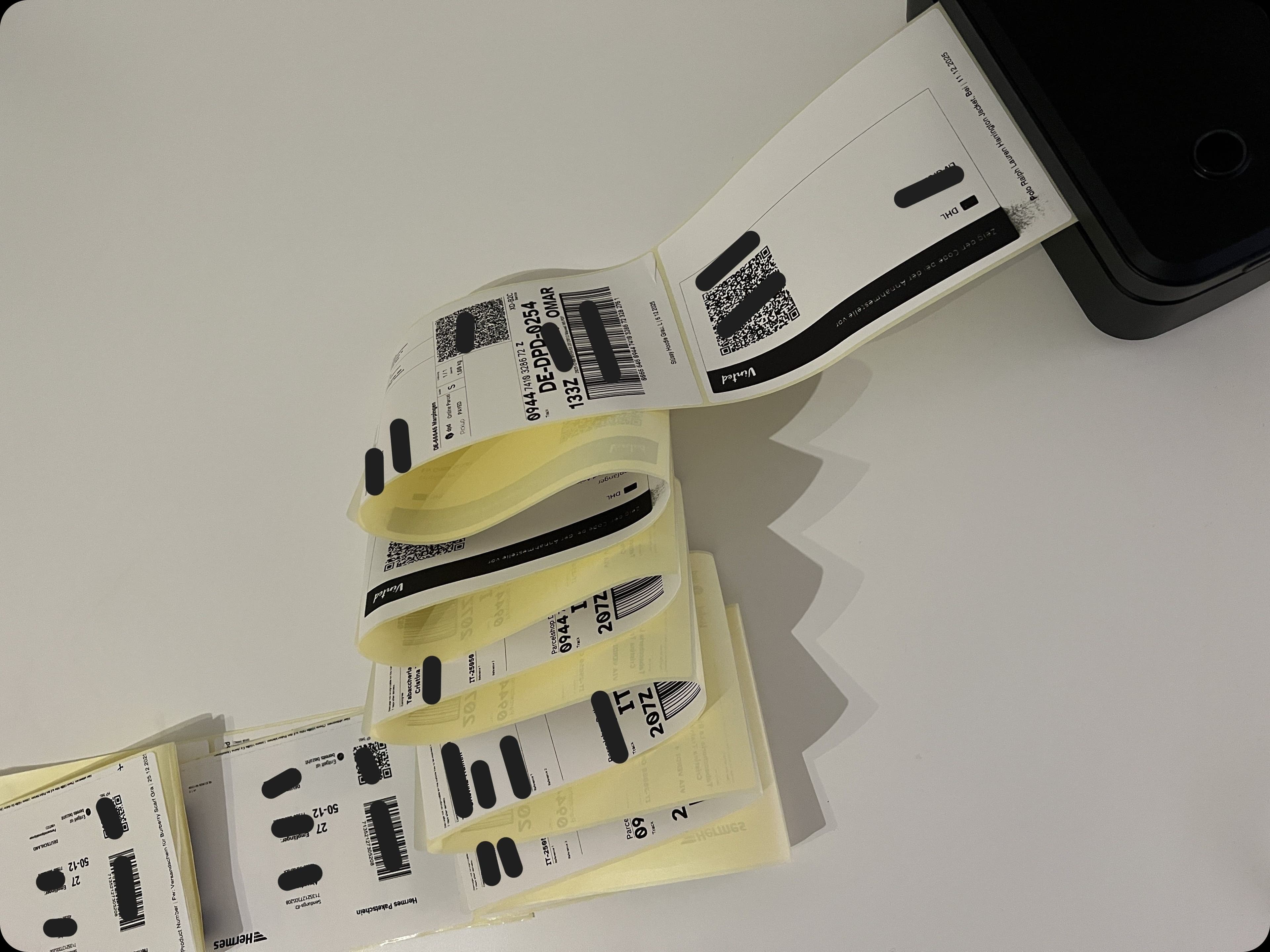
Batch Processing
Handle dozens of orders in seconds, not hours.
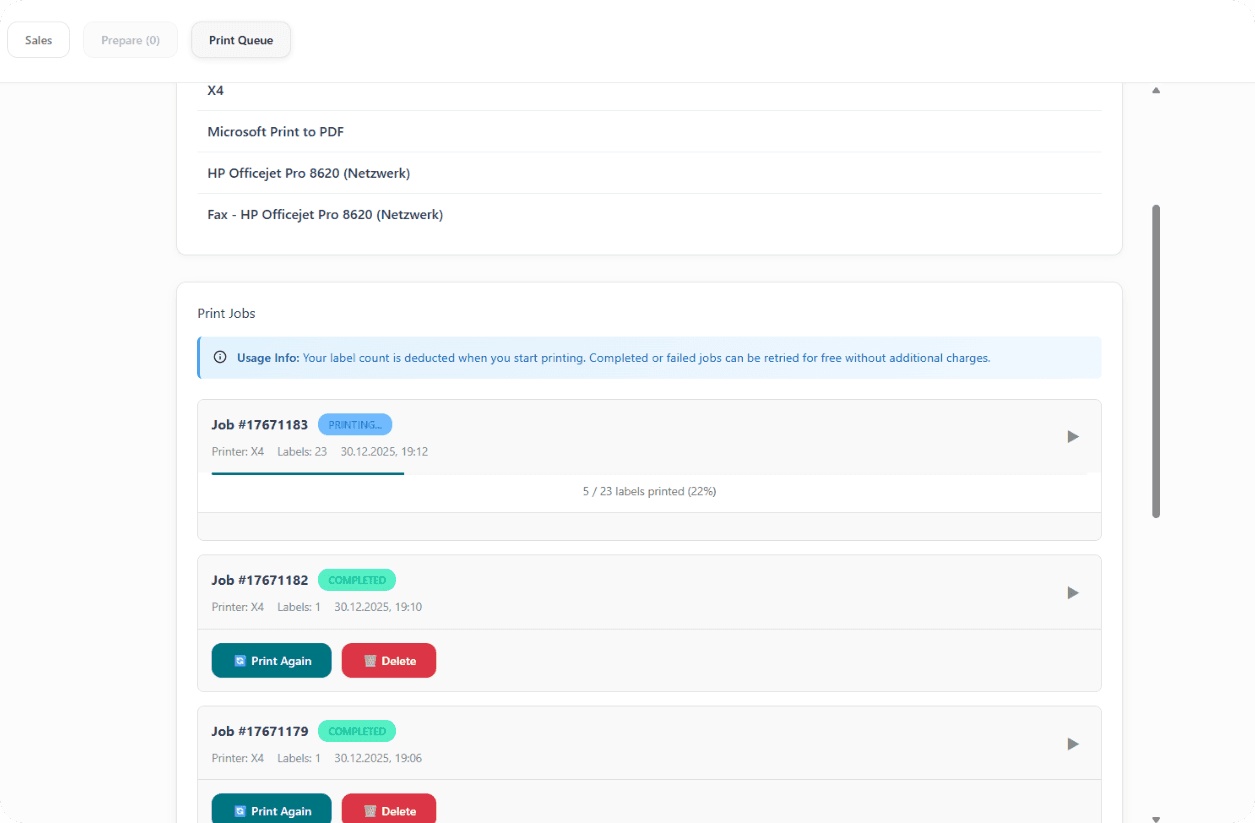
Smart Print Queue
Track status. Never lose which labels are printed.
Featured Reviews
Client Highlights
The batch processing feature alone saved us countless hours. AutoLabel handles all our carriers seamlessly - DHL, Hermes, DPD, you name it.
Share Your Feedback
Have suggestions or feedback? We'd love to hear from you!
Upcoming
Features we're working on
Depop Platform Support & Other Platforms
Automatic scanning and processing of Depop and other platform shipping labels
International Shipping Labels
Support for international labels (e.g., international DHL, UPS, FedEx labels)
Multi-Language Support
Support for labels in different languages
Advanced Label Templates
Customizable footer templates with more options
Alternative Import Methods
Other options than IMAP (e.g., watch folder for automatic label detection from a download folder)
Feel free to suggest us some features/changes!
Simple, Transparent Pricing
Choose the plan that fits your business. All plans include core features.
Free
Perfect for trying out AutoLabel
- 10 labels per month
- Connect infinite email accounts
- Label normalization
- Batch printing
- No custom footer
Plus
For growing resellers
- 60 labels per month
- Connect infinite email accounts
- Label normalization
- Batch printing
- Custom footer
Pro
For professional resellers
- Unlimited labels
- Connect infinite email accounts
- Label normalization
- Batch printing
- Custom footer
Frequently Asked Questions
Everything you need to know about AutoLabel